By Gustavoblalmiras
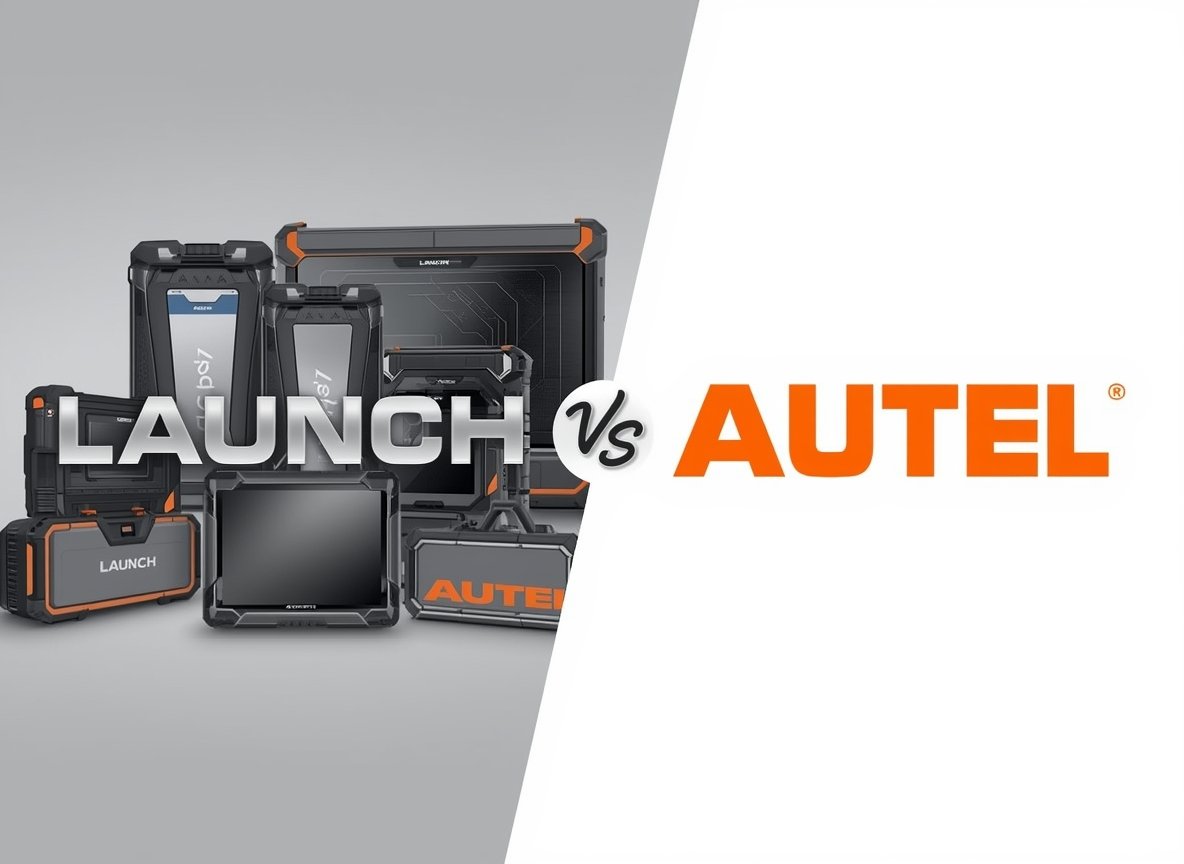
Launch vs Autel — which brand should you pick for car diagnostics? Both are serious players in “pro” scanning: they can read/clear codes across modules, view live data, run bi-directional (active) tests, and perform many service functions. On higher-end models, you’ll also see coding/adaptations, modern protocol support (like DoIP and CAN FD), and cloud-style support features.
This is only for educational purposes.
The real difference isn’t “which one works.” It’s which ecosystem fits your vehicles, your workflow, and your long-term update costs. This guide focuses on practical buying decisions: what these features mean, where people overspend, what can go wrong, and how to choose without regrets.
Safety + legal note: Use diagnostic tools responsibly. Avoid guidance or products intended to bypass emissions systems, defeat immobilizers/security, or otherwise violate laws. When you’re coding/programming modules, follow manufacturer procedures and use proper power support—wrong steps can immobilize a vehicle.
Quick verdict (60 seconds)
- Pick Autel if you want a polished “scan → test → fix → report” workflow, easy report sharing, and you like the idea of Autel’s Remote Expert option on supported platforms.
- Pick LAUNCH if you want a stronger emphasis on remote diagnosis / SmartLink style workflows and you’re planning to scale into broader multi-brand coverage and modern protocols (DoIP/CAN FD) with compatible interfaces.
If you’re a home user, the “best” tool is usually the one that covers your exact cars reliably and doesn’t lock you into update costs you won’t use.
What “better” actually means for diagnostic tools
People often compare tablets by marketing claims (“OE-level”) instead of real needs. Before choosing Launch or Autel, decide which of these you truly require:
- Vehicle coverage (your common makes/years/engines)
- Active tests (bi-directional control) (actuating fans, pumps, valves, etc.)
- Service functions (EPB, SAS, oil reset, DPF functions where applicable, etc.)
- Coding/adaptations (post-repair calibrations, module setup, learned values)
- Modern protocols like DoIP and CAN FD for newer vehicles
- Ownership cost (tool + updates + accessories over 3 years)
- Support path (documentation, distributor support, remote assistance options)
Key terms (so you don’t buy the wrong tier)
Bi-directional (active tests)
This means the tool can command certain components (example: cycling a cooling fan, actuating a valve) instead of only reading data. Many Autel MaxiSYS models explicitly list bi-directional/active testing as a core capability.
Coding vs adaptations
Coding often refers to configuring a module (options, variants, settings). Adaptations are calibrations/learned values after repairs (steering angle calibration, throttle relearn, sensor calibrations). These functions vary heavily by vehicle—no brand is “best” on every make.
DoIP and CAN FD
These are modern communication protocols used by many newer cars. For example, Autel’s MaxiSYS 906S MAX highlights DoIP/CAN FD support via its included interface, and LAUNCH’s SmartLink C also lists DoIP/CAN FD support.
Remote diagnosis / Remote Expert
These are “get me unstuck” ecosystems. Autel describes Remote Expert as a cloud platform connecting technicians with remote experts for programming on supported setups. LAUNCH describes SmartLink as enabling remote diagnosis where a remote technician can assist using SmartLink hardware and platform workflows.
Launch vs Autel: head-to-head (what matters in real life)
| Category | Autel (typical strengths) | LAUNCH (typical strengths) |
|---|---|---|
| Workflow / reports | Strong “workshop flow” and report sharing on many MaxiSYS tools. | Strong diagnostics breadth; reporting depends more on model/software. |
| Remote help ecosystem | Remote Expert concept for programming support (supported tools). | SmartLink positioning for remote/local diagnosis and remote reservation platform. |
| Modern protocols | DoIP/CAN FD on specific tiers/interfaces (verify your exact kit). | DoIP/CAN FD supported on SmartLink C (and other specific VCIs). |
| Coverage consistency | Often excellent—still varies by make/year; verify your fleet. | Often excellent—still varies by make/year; verify your fleet. |
| Update cost risk | Can range from moderate to very expensive depending on tier. | Varies by region/model/distributor (verify current renewal rates before you buy). |
The decision that saves the most money: match the tool to your vehicles
Here’s the part most buyers skip: you’re not buying “a scanner.” You’re buying coverage for a specific set of vehicles and tasks.
Do this before you spend a penny
- Write your top 10 vehicles (make/model/year/engine).
- Write the top 10 jobs you actually do (example: ABS bleed, injector coding, EPB, steering angle calibration, battery registration, etc.).
- Check that the exact model you’re buying supports those jobs on those vehicles (not “Autel as a brand” or “Launch as a brand”).
- Confirm whether DoIP/CAN FD support requires a specific VCI or add-on.
- Price out tool + 3 years of updates (only if you truly need updates every year).
This single exercise prevents the two most common failures: (1) buying a tool that can’t do your specific calibration/coding job, or (2) buying a tool so expensive to keep updated that you stop updating and slowly lose coverage on newer vehicles.
Ownership costs: what to compare (and what to ignore)
Don’t compare only the purchase price. Compare the total cost of ownership:
- Tool cost (tablet + VCI)
- Update subscription (yearly or multi-year)
- Accessories (adapters for newer protocols, battery support for programming, cables)
- Downtime cost (how long it takes to get unstuck)
Autel UK update pricing examples (verify for your exact model)
Autel UK publishes update subscription pricing by product line. For example, Autel UK lists MaxiSYS MS906 EU “12 months software updates subscription” at £475 excl. VAT.
Autel UK’s software update listings also show pricing tiers that scale significantly at the top end (example: MaxiSYS Ultra updates listed at £1,195 excl. VAT).
LAUNCH update pricing
LAUNCH renewal pricing varies by region, model, and distributor, and it can change over time. Before buying, get the current renewal cost for the exact tablet you’re considering from an official distributor in your country, and include it in your 3-year cost comparison.
Where each brand can frustrate you
Common “I regret this purchase” reasons
- You bought the wrong tier. The brand is fine—your model simply doesn’t include the functions you assumed.
- Subscriptions surprised you. The tool was affordable; keeping it current wasn’t.
- Your vehicles are the edge case. One specific make/year has limited coding coverage.
- Grey-market pain. Tools sold outside official channels can have region locks, missing support, or subscription issues.
If approval/trust matters (and it does), don’t position grey-market buying as a “hack.” Treat it as a risk decision: it can be cheaper upfront, but can be more expensive in failed subscriptions and lost support.
Which one should you buy? (by user type)
1) DIYer / home mechanic (1–3 vehicles)
- Prioritize coverage for your exact cars over “maximum features.”
- Decide if you truly need yearly updates. If your cars are older, you may not.
- Buy from a reputable seller so your tool can actually update and get support.
Lean: Many DIYers prefer Autel’s clean interface and reporting feel, but Launch can be great value if it matches your vehicles and the update plan makes sense.
2) Independent workshop (mixed makes)
- DoIP/CAN FD support matters if you see 2020+ vehicles regularly.
- Active tests + adaptations matter more than “how many menus exist.”
- Pick the ecosystem that gets you unstuck faster (support + remote options).
3) Programming-heavy shop (modules, calibrations, remote help)
If you frequently hit jobs that require deeper programming support, Autel’s Remote Expert concept can be attractive on supported setups.
If your strategy is broader remote diagnosis across locations/vehicles, LAUNCH’s SmartLink approach is explicitly positioned around remote + local diagnosis with advanced protocol support.
Buying checklist (avoid the usual mistakes)
- Coverage first: confirm your top vehicles are supported (make/model/year/engine).
- Function second: confirm the exact tasks you need (active tests, coding, calibrations).
- Protocol third: confirm DoIP/CAN FD support for newer vehicles (and whether you need a specific VCI).
- Cost reality: compare (tool + 3 years updates + accessories), not just the tool price.
- Support reality: buy from reputable channels if you need subscriptions and help.
- Remote features: if you want Remote Expert/remote diagnosis, confirm your exact model supports it and what setup/subscription is required.
- Don’t overbuy: if you won’t use coding/programming, don’t pay for the tier built around it.
FAQ
Do I need to renew updates every year?
Not always. Many tools continue working without updates, but you won’t get new vehicle coverage and newer functions. The smarter approach is to match your update plan to your vehicle mix (older fleet vs 2020+ fleet).
Which is more professional, Launch or Autel?
Both can be professional. “More professional” usually means: reliable coverage for your actual vehicles, the functions you need (active tests, adaptations), and sustainable updates/support.
Do Autel and Launch both support DoIP and CAN FD?
On the right models/interfaces, yes. Autel’s MaxiSYS 906S MAX highlights DoIP/CAN FD support, and LAUNCH’s SmartLink C lists DoIP/CAN FD support. Always confirm the exact kit you’re buying includes the compatible VCI.
What’s the biggest mistake buyers make?
Buying based on brand reputation instead of verifying coverage for their top vehicles and pricing the 3-year ownership cost. The “cheap” scanner becomes expensive when updates/support don’t match your needs.
Bottom line
- Pick Autel if you want a polished workshop workflow and like the idea of Remote Expert-style support on compatible setups.
- Pick LAUNCH if you want a stronger remote-diagnosis ecosystem direction (SmartLink) and advanced protocol support on compatible interfaces.
Source links (official / primary)
https://www.autel.uk/product/maxisys-906s-max/
https://www.autel.uk/products/software-updates/
https://www.autel.uk/product/maxisys-ms906-eu-12-months-software-updates-subscription/
https://cloud.autel.com/expert/

https://en.cnlaunch.com/products-detail/i-35.html