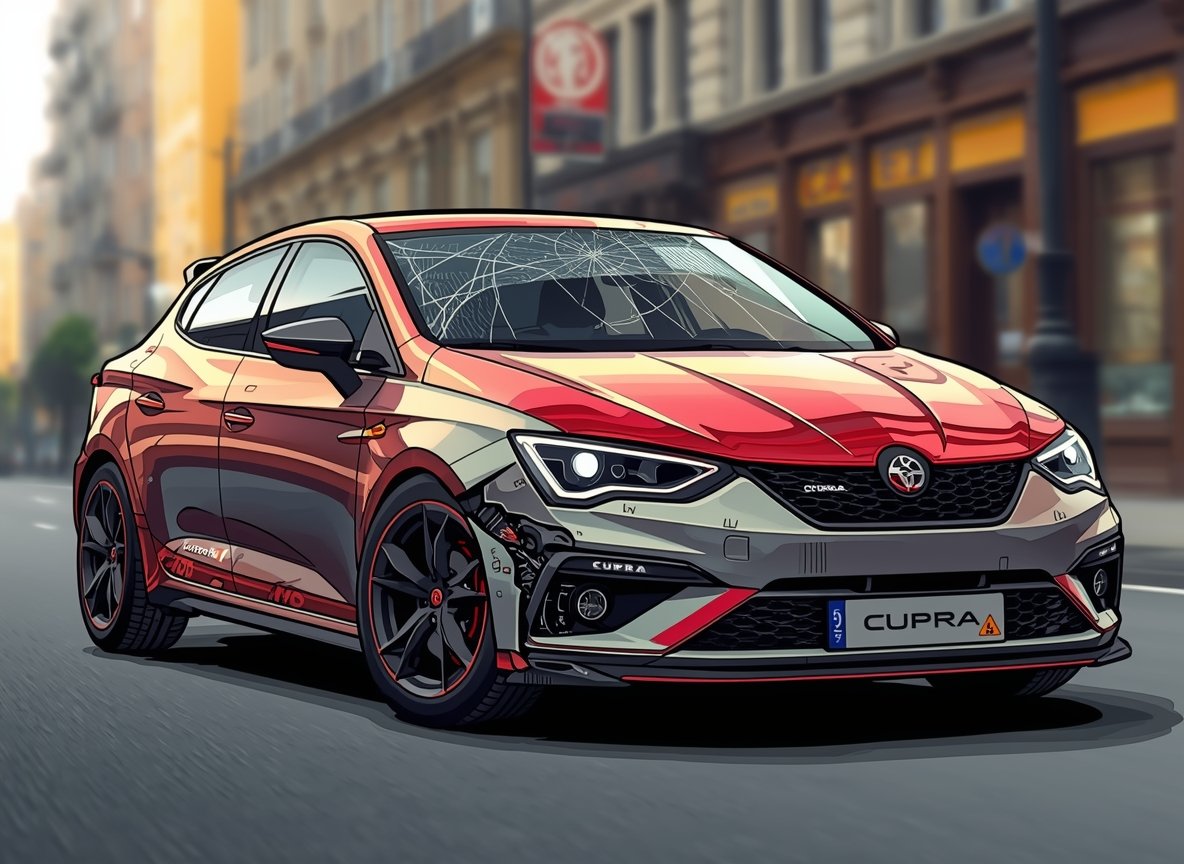
Cupra Formentor had a very peculiar but serious issue: seat belt anchorage on certain vehicles. If a seat belt anchorage point isn’t correctly secured to the seat/body structure, the belt may not protect occupants as designed in a crash or even heavy braking—exactly the kind of thing you want to know before buying used or assuming “it’s probably fine.”
The Cupra Formentor is a sharp-looking performance crossover with big appeal: sporty handling, strong engines (including plug-in hybrid options), and a premium-feeling cabin for the money. But like many modern VAG-group cars, it’s software-heavy and recall-sensitive—so “reliability” isn’t just about the engine anymore. It’s also about infotainment stability, sensors, batteries, and whether key safety campaigns have been completed.
By Gustavoblalmiras • Last updated: March 2026
This article is for educational and general information only.
Start here: the 5-minute “pre-buy risk scan”
If you only do one thing before you travel to view a Formentor, do this quick scan. It filters out the “looks great in photos, headache in real life” cars.
- Recall status confirmed (seat belt anchorage first).
- Any history of SOS/eCall faults? (ask directly).
- Any infotainment freezes / CarPlay dropouts? (ask directly).
- Any battery “jump start” story? (one jump can be a clue, not reassurance).
- DSG behavior described as “jerky” or “hesitant”? (treat as a test-drive priority).
If the seller can’t (or won’t) answer these, you’re not “picky”—you’re avoiding the expensive stuff.
1) Seat belt anchorage recall (serious safety item)
Let’s start with the big one. A seat belt anchorage campaign is not a “comfort issue”—it’s a safety-critical concern.
What it means
Some vehicles have been subject to recalls/campaigns related to front seat belt anchorage points that may be inadequate due to a manufacturing issue. Many recall items like this don’t show obvious symptoms, so “it feels fine” doesn’t prove anything.
What to do (owner or buyer)
- Run an official recall check using your VIN/registration (country tools differ).
- Ask for paperwork that shows the campaign was completed (invoice, dealer stamp, recall letter completion, or service record note).
- If the recall is outstanding: do not negotiate it as “your problem.” Have the seller complete it or price the car as “pending recall” and confirm the remedy is available locally.
Used-buyer tip: A seller who proactively shows recall completion proof is often a seller who maintained the car properly elsewhere too.
2) Infotainment glitches (freezing screens, reboots, CarPlay/Android Auto dropouts)
This is the most common “daily ownership” complaint pattern on modern cars: the car drives well, but the screen/phone integration behaves like an old laptop.
What it looks like in real life
- Touchscreen freezes or becomes unresponsive
- Random reboots or long boot-up times
- Wireless CarPlay/Android Auto disconnects (or refuses to connect)
- Audio bugs (no sound, laggy volume, “stuck” media)
A quick buyer test (do this during the viewing)
- Pair your phone and stream audio for 3–5 minutes.
- Make a call and switch audio source twice (radio → Bluetooth → CarPlay/Android Auto).
- Use navigation for a minute and open the settings menu.
- Test reverse camera + parking sensors.
Why it happens
Usually software stability and connectivity stack issues (Bluetooth/Wi-Fi handoff, wireless CarPlay), sometimes worsened by low-voltage (battery) behavior when the car doesn’t sleep properly.
What actually helps
Keeping software up to date and avoiding very old firmware versions. If the seller can show recent dealer service and updates, that’s a strong positive signal.
3) SOS/eCall and driver-assistance warnings (lane assist faults, SOS errors)
These issues can feel “random” because they may appear as intermittent warnings, driver-assist features disabling, or SOS messages with no obvious mechanical problem.
Common symptoms
- SOS/eCall warning messages
- Lane assist / travel assist switching off unexpectedly
- Driver-assist faults that disappear after restart (then return later)
What to do (buyer and owner)
- During the test drive, confirm driver-assist features can be enabled without warnings.
- If any SOS/assist faults appear: get a diagnostic scan from a Cupra retailer or a capable VAG specialist. Don’t “live with it.”
- Ask whether there are known campaigns or software updates for your VIN.
Why this matters
Even when the car drives normally, repeated assistance faults can become a recurring cost and a daily frustration.
4) DSG gearbox issues (jerky shifts, delays, “gearbox fault” warnings)
DSG can feel brilliant when healthy—quick shifts and strong performance. When something’s off, the car often feels hesitant, shudders at low speed, or behaves inconsistently in stop-start traffic.
What’s “normal DSG behavior” vs a red flag?
| What you feel | Often normal | Red flag |
|---|---|---|
| Small low-speed “lurch” when creeping | Can be normal in dual-clutch cars | Violent shudder, repeated banging, or worsening after warm-up |
| Delay engaging Drive/Reverse | Brief pause can happen | Long delays, warning messages, or refusal to select gear |
| Gear changes | Firm but consistent | Inconsistent, harsh, “hunting,” or slipping sensations |
Buyer test drive (DSG stress test without abusing the car)
- 10 minutes of stop-start crawling (where safe).
- Several gentle pull-aways, then a few brisk accelerations.
- Reverse engagement on a mild incline (if safe) to feel for shudder.
- After warm-up, repeat a few pull-aways—some problems show when hot.
Owner tip
If you notice new shuddering or a “gearbox fault” message, don’t wait months. Early diagnosis can prevent bigger repair cascades.
5) 12V battery drain and low-voltage glitches
Modern cars can throw a surprising number of warnings when the 12V battery is weak. Owners often describe “everything lighting up” on the dash, followed by a flat battery or a car that won’t wake up properly.
Common symptoms
- Car struggles to wake/start, or goes completely dead
- Random warning messages that vanish after restart
- Infotainment behaving worse than usual
- Start/stop or hybrid systems acting inconsistent
What to ask the seller (simple, high-signal)
- How old is the 12V battery?
- Any jump starts in the last 12 months?
- Any repeated “electrical warnings” or “battery low” messages?
What helps
A proper battery health test (not just “it shows 12V”), and ensuring the car is on up-to-date software so modules sleep/wake correctly.
6) Plug-in hybrid quirks (EV-to-petrol transitions, refinement expectations)
If you’re looking at an eHybrid / PHEV Formentor, you’re buying a more complex system: electric motor + petrol engine + DSG + control logic. Some cars feel seamless; some feel “snatchy” when the engine starts or when the system changes modes.
What to test (don’t skip this)
- EV mode around town (stop-start and small roundabouts).
- Hybrid mode at 40–60 mph and gentle hills.
- A couple of “engine start” moments (does it lurch or feel smooth?).
Is it dangerous?
Usually it’s more a refinement issue than a safety issue—but if the car feels unpredictable, compare it with another example. “They all do that” is not a diagnosis.
7) Other safety campaigns and recall checks (don’t guess—verify)
Beyond seat belts, different markets may list additional recalls/campaigns for various components (heat shields, brake-related items, airbags, software campaigns, etc.). The details vary by country and VIN, so the safest approach is always the same:
- Run an official recall check for your VIN/registration.
- Confirm completion with paperwork or dealer confirmation.
- Prioritize braking, airbags, seat belts, fuel system campaigns as “do not ignore” items.
UK note: Use the official GOV.UK recall checker for a quick first pass, then confirm with a Cupra retailer if anything is unclear.
Used Cupra Formentor buyer checklist (print this)
This checklist is intentionally short. It focuses on items that commonly cause buyer regret.
- Recall status verified (seat belt anchorage first) + proof shown.
- Infotainment tested: phone pairing, CarPlay/Android Auto, camera, sensors.
- DSG tested: crawl traffic, reverse on incline, warm pull-aways.
- Driver-assist checked: no SOS/eCall errors, lane assist works normally.
- Battery story checked: age + any jump start history.
- Service history makes sense: consistent maintenance, not “gaps then a quick sale.”
My “walk-away” rule
- One safety red flag (unresolved recall, brake warning behavior, seat belt campaign not confirmed) = walk away.
- Two separate electronic/drivetrain annoyances (e.g., infotainment freezing + DSG hesitation) = walk away unless there’s clear proof of fixes.
FAQs
Are Cupra Formentors reliable?
They can be, but reliability is often “software-and-electrics dependent.” If recall work is complete and the car is on modern software, ownership tends to be smoother. If it’s glitchy during the viewing, it’s likely to stay glitchy.
Which model years should I be most cautious with?
Early builds of any new model can be more recall-prone. The safest method is not guessing by year—it’s checking the VIN/registration for completed campaigns.
What’s the single most important check before buying used?
Recall status for safety campaigns (seat belts, airbags, brakes) and a test drive that includes slow-speed DSG behavior and infotainment testing.
Final thoughts
The Cupra Formentor is one of the most desirable sporty crossovers in its class—when it’s right. The best used buys usually come from cars with (1) documented recall completion, (2) consistent servicing, and (3) infotainment/driver-assist systems that behave normally during a real test drive—not just a quick loop around the block.
About the author
Gustavoblalmiras publishes practical used-car buying checklists and real-world reliability guides at DriversAdvice.com.