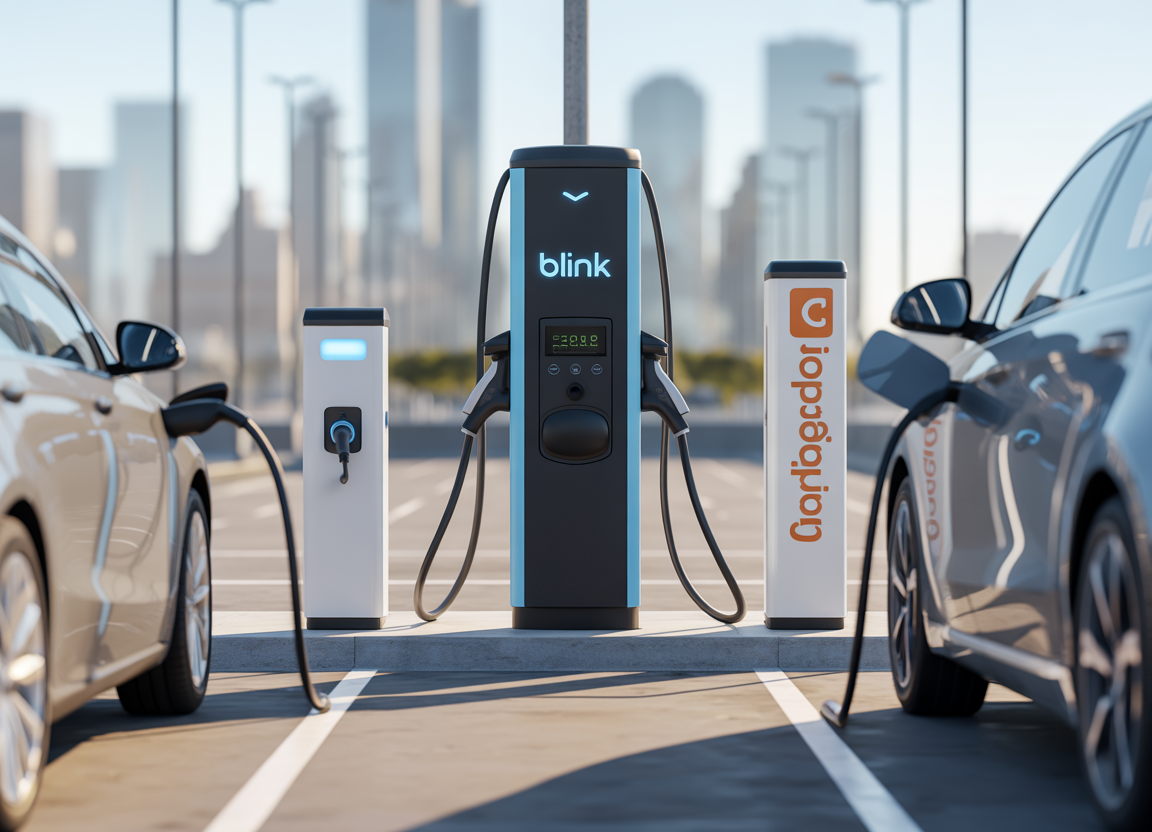
ChargePoint and Blink Charging are two of the well-known brands in EV charging. But which one is better—Blink vs ChargePoint?
The honest answer: it depends on how you charge (home charging, public charging, travel frequency, and whether you drive a Tesla or a J1772 EV).
By Gustavoblalmiras • Last updated: March 2026
This article is for educational and general information only.
- If you mainly charge at home and want a polished app experience plus broad public-network integration, ChargePoint often fits better.
- If you want a straightforward home charger and you also use Blink’s public stations (or you’re a host/fleet), Blink can be a strong pick—especially where Blink coverage is good locally.
This guide compares home chargers (hardware) and public charging (network + app) so you can choose what actually suits your daily driving.
Quick rule: Choose based on where you charge 80–90% of the time. Your “best” charger is the one that reduces daily friction.
Step 1: Know what you’re comparing (home charger vs charging network)
Both brands operate in two “worlds”:
- Home Level 2 chargers (the box on your wall)
- Public charging network access (finding stations, starting sessions, paying)
People often mix these together. You might buy a Blink home charger but rarely use Blink public stations—or use ChargePoint public stations daily but charge at home with something else.
So we’ll judge them on both.
Part A: Blink vs ChargePoint for home charging
1) Charging speed and amperage flexibility
ChargePoint Home Flex is a Level 2 home charger with adjustable output amperage through the app (commonly marketed across a wide range, depending on installation) and up to about 12 kW in higher-output configurations.
Blink Series 4 is also a Level 2 home charger marketed up to 50A max, with adjustable settings, Wi-Fi connectivity, and over-the-air firmware updates. (Blink Series 4)
What this means in real life: Both can be “fast” home chargers. The best one isn’t the biggest number—it’s the one that matches your breaker size and your EV’s onboard charger limit.
2) Plug-in vs hardwired (installation flexibility)
ChargePoint sells versions for hardwired installs and plug-in variants (commonly including NEMA 14-50 in some markets). (ChargePoint Home)
Blink Series 4 supports plug-in (often NEMA 14-50) or hardwired installation. (Blink Series 4)
Buyer tip: If you rent, a plug-in unit can be easier to take with you. If you own the home and want maximum stability, hardwired is often preferred (and may be required for higher output depending on local electrical code).
3) Cable length and daily convenience
- ChargePoint Home Flex is commonly listed with a 23 ft (7 m) cable (market-dependent).
- Blink Series 4 highlights a 25 ft cable. (Blink Series 4)
Two feet doesn’t sound like much… until your EV’s charge port is on the “wrong” side for your driveway or garage. Cable reach is a daily quality-of-life factor.
4) Connector compatibility: J1772 vs NACS (Tesla)
This matters a lot now:
- ChargePoint Home Flex is sold with J1772 and in some markets/configurations with NACS (Tesla). (ChargePoint Home)
- Blink Series 4 is SAE J1772, and Tesla vehicles generally require an adapter. (Blink Series 4)
Simple takeaway: If you drive a Tesla and want the cleanest “no adapter” setup at home, ChargePoint’s NACS option (where available) can be a big plus. If you drive a non-Tesla EV, J1772 is still widely compatible.
5) Smart features and apps (scheduling, monitoring, updates)
ChargePoint focuses on controlling home and public charging in one app, with scheduling and tracking features. (ChargePoint Home)
Blink promotes app features for locating stations, monitoring usage, paying, and home charger controls like scheduling and locking (plus OTA updates on the Series 4). (Blink Series 4)
Real-world takeaway: Both can do “smart charging.” ChargePoint tends to feel stronger if you want one app for home + lots of public charging integrations, while Blink can work great if your local Blink network is strong and you want a straightforward system.
Part B: Blink vs ChargePoint for public charging
1) Coverage and roaming (the “can I find a charger?” factor)
ChargePoint emphasizes a large ecosystem and roaming partnerships (exact counts vary by region and how “ports” are defined). If you want the official figures for your region, start here: Why ChargePoint.
Blink operates across multiple markets and reports major growth milestones for deployed/contracted chargers. Official updates: Blink milestone announcement.
Important nuance: Network size isn’t always apples-to-apples because companies count chargers, ports, contracted units, roaming partners, or “accessible” locations differently. The only metric that matters is practical: coverage where you actually drive (home, work, highway routes).
2) Roaming and partnerships (how often one app works across networks)
ChargePoint highlights roaming access as part of its driver experience. (ChargePoint roaming overview) Blink also participates in partnerships in some regions (for example, fleet-access networks in the UK). (Paua partnership announcement)
What this means: If you travel a lot, the “best” brand is the one that reduces app juggling and payment friction on your common routes.
3) Pricing experience (not just the cost per kWh)
Public charging cost is rarely as simple as “cheap vs expensive.” Pricing can vary by:
- Location owner (hosts may set pricing on some networks)
- Time-based vs energy-based billing rules (depends on region)
- Idle fees
- Peak pricing
Instead of chasing one “cheapest” brand, compare:
- What stations exist near your routine stops
- Whether the app shows clear pricing before you start
- Whether session history is easy to review
- Whether starting a session is reliable (RFID/app)
Quick decision guide: which should you choose?
Choose ChargePoint if…
- You want one ecosystem for home charging + a broad public/roaming footprint. (ChargePoint coverage)
- You drive a Tesla and want a native NACS home cable option (where available). (ChargePoint Home)
- You care about app-driven scheduling and tracking home/public charging in one place.
Choose Blink if…
- Blink has strong coverage in your city/region, and you already use Blink stations regularly.
- You want a home charger with Wi-Fi, scheduling, locking, and OTA updates, and you’re fine with J1772 (Tesla needs an adapter). (Blink Series 4)
- You’re also thinking like a host/organization (Blink often emphasizes deployment + service programs). (Blink milestone)
Don’t regret it later: 7 things to confirm before you buy
Before you buy either charger, confirm these:
- Your EV’s onboard AC charging limit (many cars can’t use the full 48–50A anyway)
- Your panel capacity and breaker size (what an electrician will approve)
- Plug-in vs hardwired preference + local code requirements
- Connector type (J1772 vs NACS, especially if you own a Tesla)
- Cable reach for your actual parking setup
- Your utility rates and whether scheduling will save you money
- Public charger coverage along your common routes (don’t buy based on brand name alone)
FAQ
Do Blink and ChargePoint both work with all EVs?
For home charging, both support standard Level 2 AC charging. Blink Series 4 is J1772 (Tesla may require an adapter). (Blink Series 4) ChargePoint Home Flex can be sold with J1772 or NACS depending on configuration/market. (ChargePoint Home)
Which app is better?
If you value combining home + broad public charging in one place, ChargePoint leans hard into that idea. If your local Blink coverage is strong and you mostly use Blink stations, Blink may feel simpler day-to-day.
Is there a universal winner?
No. The “winner” is the charger that fits your electrical setup, matches your connector needs, and reduces friction on the routes you actually drive.
Sources
- ChargePoint Home
- Why ChargePoint
- ChargePoint network update
- Blink Series 4
- Blink milestone announcement
- Blink App
- EV Infrastructure News report (Blink)
- Paua partnership announcement
About the author
Gustavoblalmiras publishes practical driver guides and EV ownership comparisons at DriversAdvice.com. For corrections or updates, please use the site contact page.
Affiliate disclosure: Some links on this site may be affiliate links. This does not affect the price you pay and helps support the site.